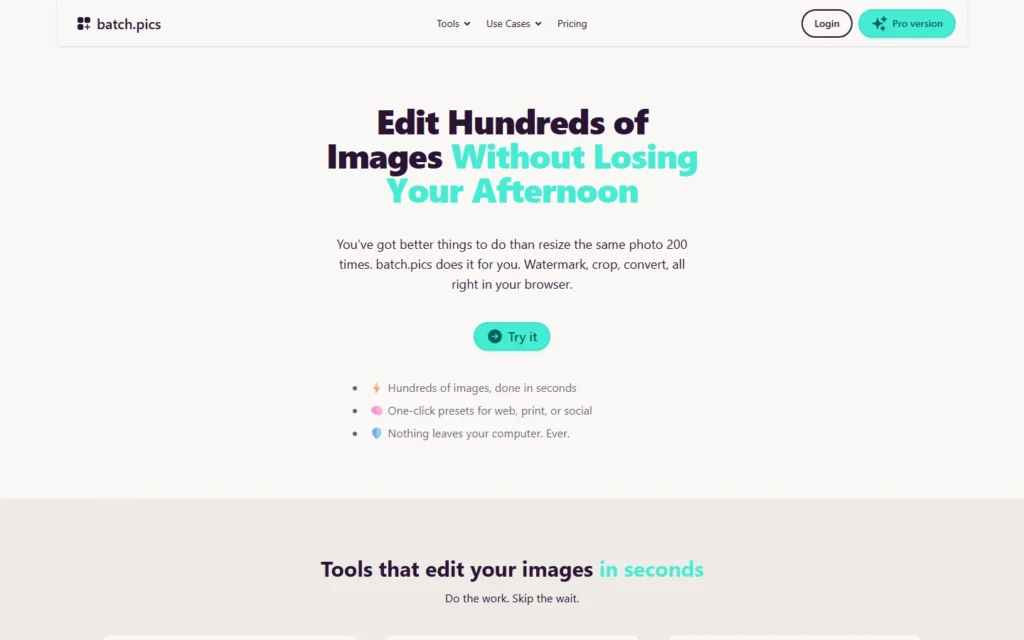
Pricing for nonprofits
Batch.pics is free for everyone including nonprofits, with no enterprise tiers. Editing runs offline in the browser so beneficiary photos never upload anywhere.
Review for nonprofits
Free browser batch tools for nonprofits: watermark, resize and compress with no uploads.
Batch.pics is free for everyone including nonprofits, with no enterprise tiers. Editing runs offline in the browser so beneficiary photos never upload anywhere.
Typical nonprofit uses:
- Watermark gala photos in bulk
- Resize newsletter images to inbox limits
- Compress donation-page assets for speed
- Prepare volunteer laptops with zero installs
Pros:
- Free for everyone, nonprofits included
- Runs offline in the browser, nothing uploads
- Drag-and-drop simple for volunteers
- Watermark, resize, crop, convert and recolor
Cons:
- Single-purpose tools, not a full editor
- Browser-based, needs a modern browser
- No cloud projects or sync
FAQ about Batch.pics for nonprofits
Is it really free for nonprofits?
Yes. The nonprofit page states the tool is free for everyone with no enterprise tiers behind a paywall.
Is beneficiary data safe?
Yes. All editing happens locally in the browser; images never leave the computer.
Can volunteers use it?
Yes. It works in the browser on Windows, Mac and Chromebooks with no installs or IT approval.
Alternatives to Batch.pics
Find more tools with free options and discounts for nonprofits in Photo edition and management
SmugMug
Free or discounted account (on application)
Photo galleries with a free-or-discounted nonprofit account. SmugMug may grant charitable 501(c)(3) organizations or international equivalents with a community-benefit mission a free or discounted photo-hosting account, decided case...
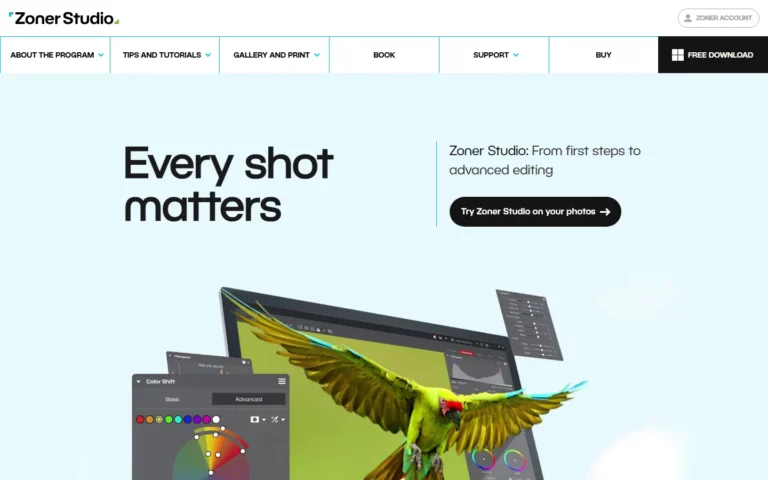
Zoner Photo Studio X
Donated license
Photo editing with donated licenses via TechSoup ($6 admin). Zoner Photo Studio X reaches nonprofits, charities, and public libraries as donated one-year initial and renewal licenses through TechSoup...
Adobe Lightroom + Photoshop
Min 49% off via TechSoup
Pro photo tools at nonprofit rates via TechSoup: minimum 49 percent off Creative Cloud. Through TechSoup (a $5 admin fee), nonprofits access discounted Creative Cloud individual memberships at...
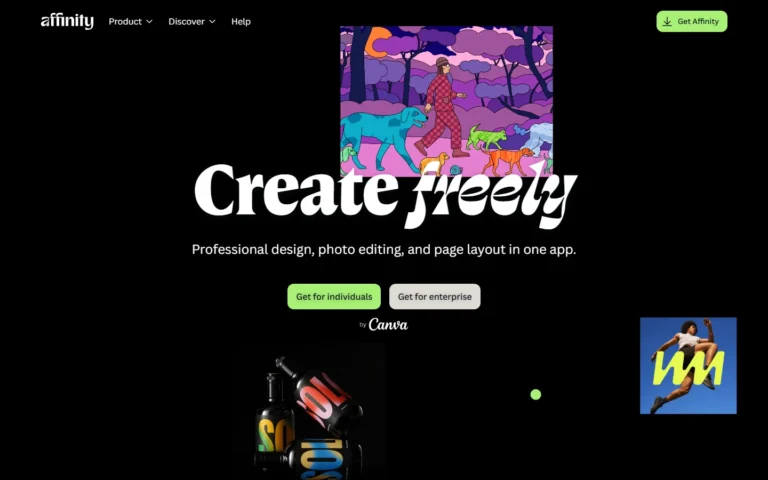
Affinity
100% free
Professional photo editing, design and layout in one free app for individuals. Affinity is free for individuals with free Mac and Windows downloads. AI tools unlock with a...
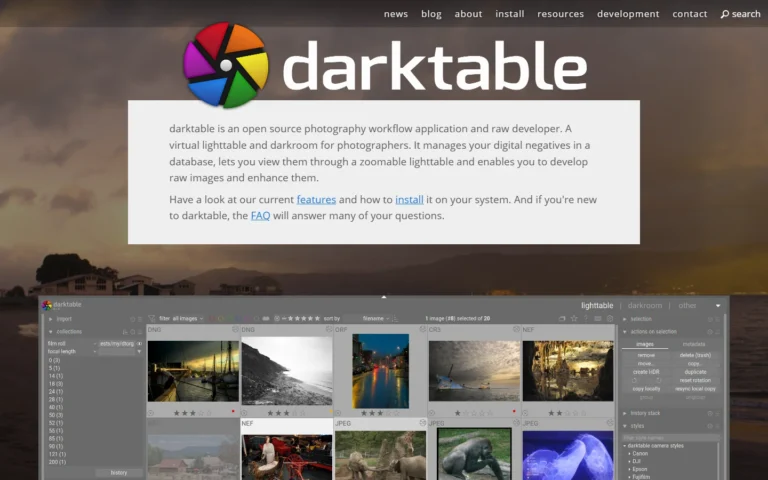
darktable
100% free
Open-source photography workflow app and raw developer, free under GPL 3.0. darktable is released under the GPL 3.0. There is no paid tier.
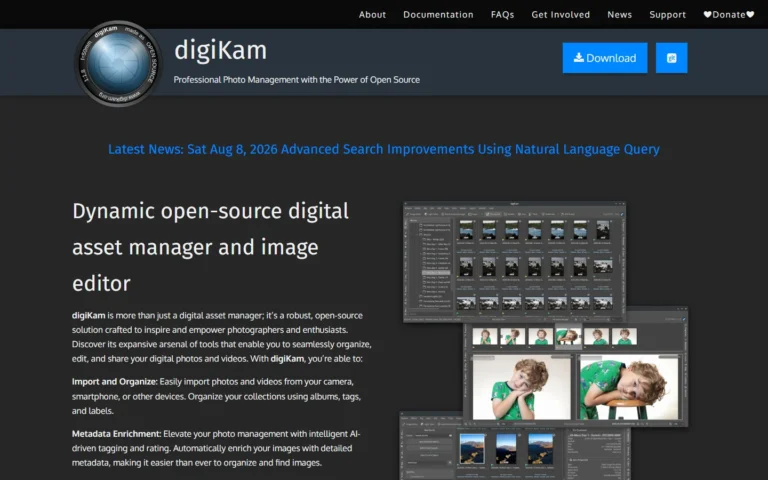
digiKam
100% free
Free and open-source photo manager and editor that handles 100,000-plus image libraries. digiKam is free and open-source software. There is no paid tier.