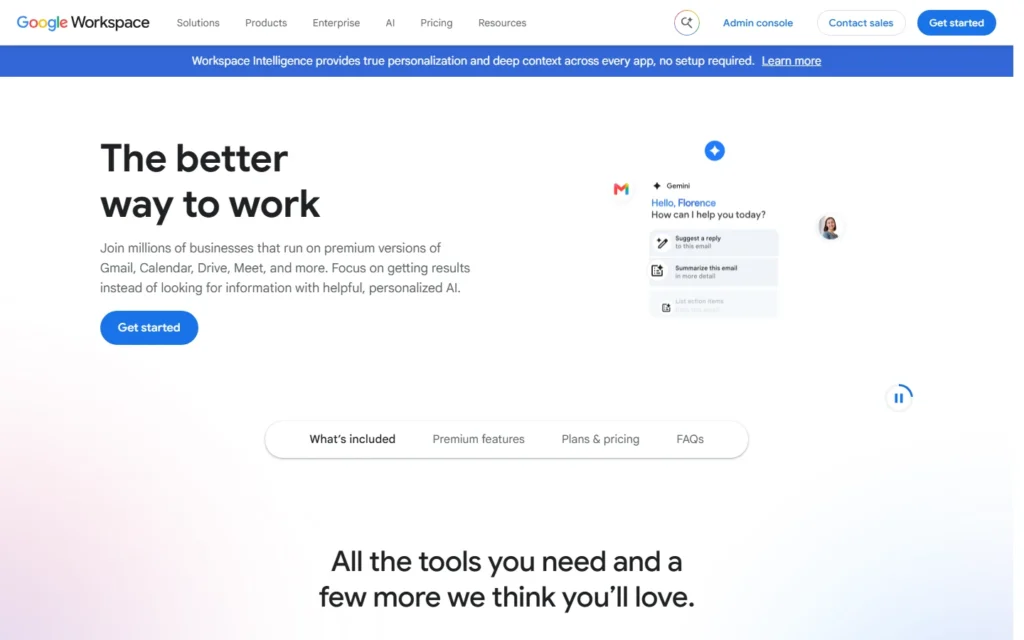
Pricing for nonprofits
Free with any Google account: delegate a mailbox to staff or run a Collaborative Inbox in Google Groups with assignment and labels.
Review for nonprofits
Collaborative inbox free with Google Groups and delegation.
Free with any Google account: delegate a mailbox to staff or run a Collaborative Inbox in Google Groups with assignment and labels.
Typical nonprofit uses:
- Share info@ across the team free
- Assign threads without forwarding
- Keep history searchable for handovers
Pros:
- Zero cost and zero setup
- Works inside Gmail everyone knows
- Groups add roles and moderation
Cons:
- No SLAs or collision detection
- Reporting needs Workspace
- Scales poorly past small teams
FAQ about Shared Gmail Inbox for nonprofits
How do we share an inbox free?
Delegate the mailbox in Gmail settings, or run a Google Group as a Collaborative Inbox with assignable topics.
Does it need Workspace?
No. Delegation works with free Gmail. Workspace adds routing, retention and reporting.
When should we upgrade?
When threads collide, SLAs matter or volume passes a few dozen a day, move to FreeScout or Zoho Desk.
Alternatives to Shared Gmail Inbox
Find more tools with free options and discounts for nonprofits in Customer support
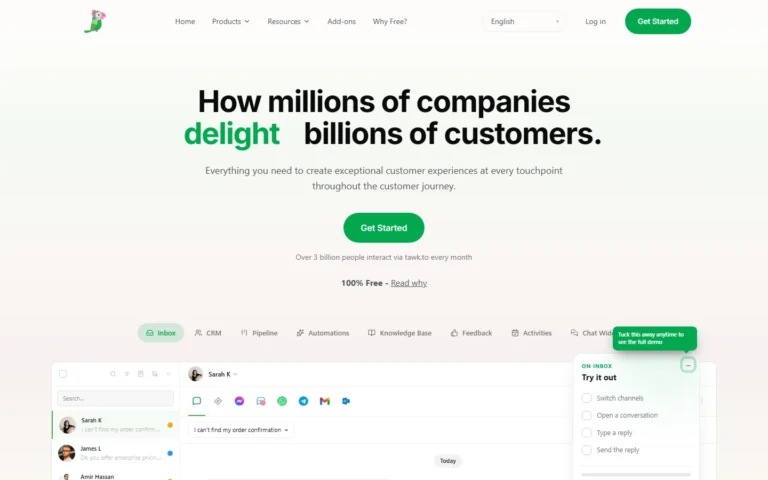
Tawk.to
100% free
Live chat free forever, with a hosted knowledge base included. 100% free forever with no card or trial clock. Keep the small branding or remove it for $29...
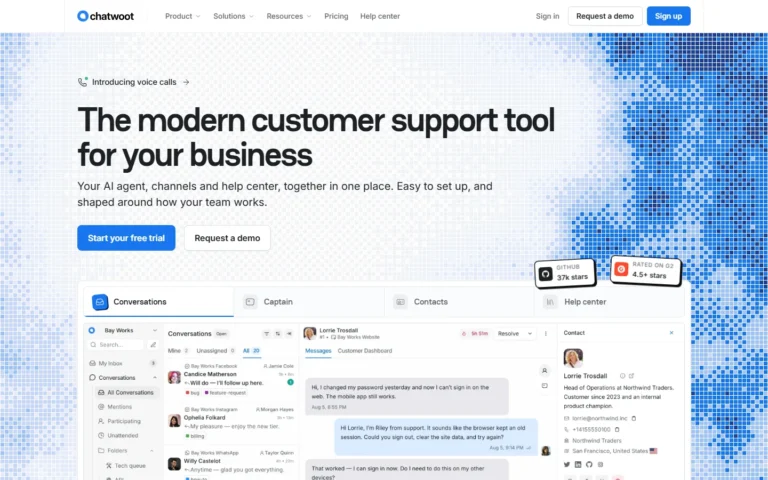
Chatwoot
Free for nonprofits
Omnichannel inbox free and open source, with the Startups plan free for nonprofits. Community Edition free and open source under MIT to self-host. Nonprofits get the Startups cloud...
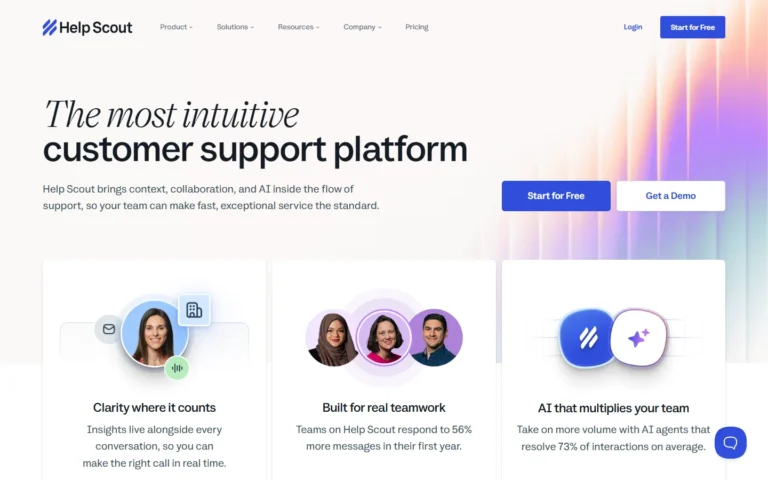
Help Scout
10% discount
Shared inbox with 10% off lifetime for nonprofits. Help Scout gives nonprofits and B Corps a 10% lifetime discount, rising to 100% for organizations whose core mission is...
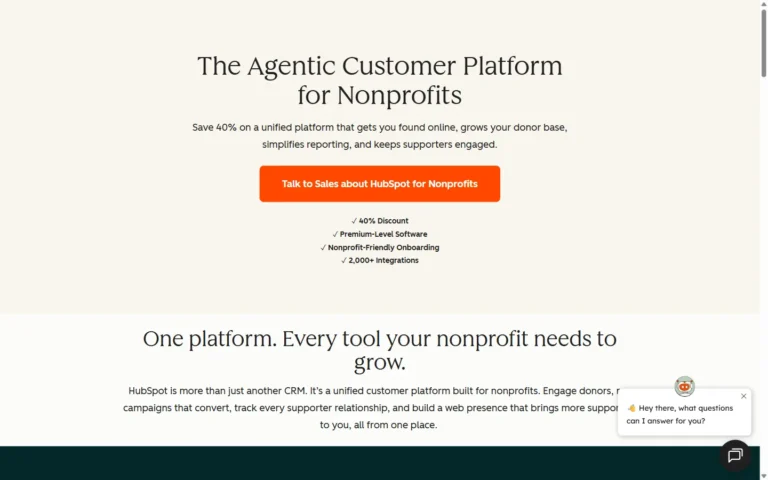
HubSpot Service Hub
40% nonprofit discount
Service software with 40% off Pro and Enterprise for qualifying nonprofits. Qualifying nonprofits in North America, Australia and New Zealand get 40% off Pro and Enterprise tiers on...
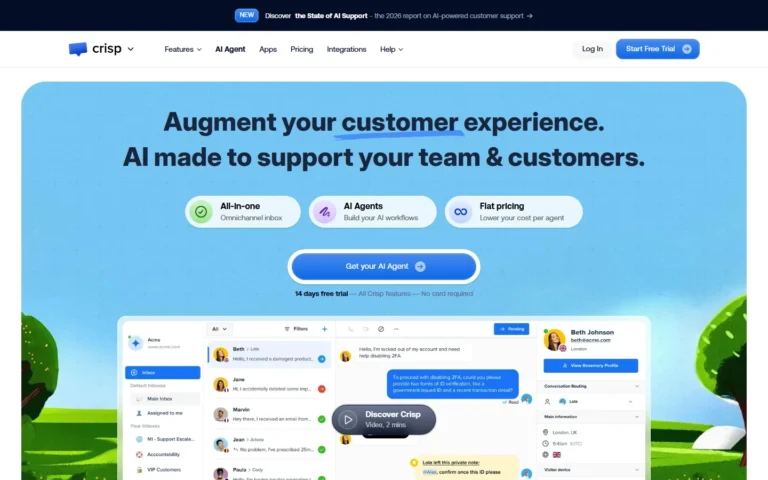
Crisp
Free 2 seats
Chat suite free for 2 seats with unlimited conversations. Free plan: 2 seats with unlimited conversations, shared inbox and chat widget. Mini costs $45 monthly for 4 seats....
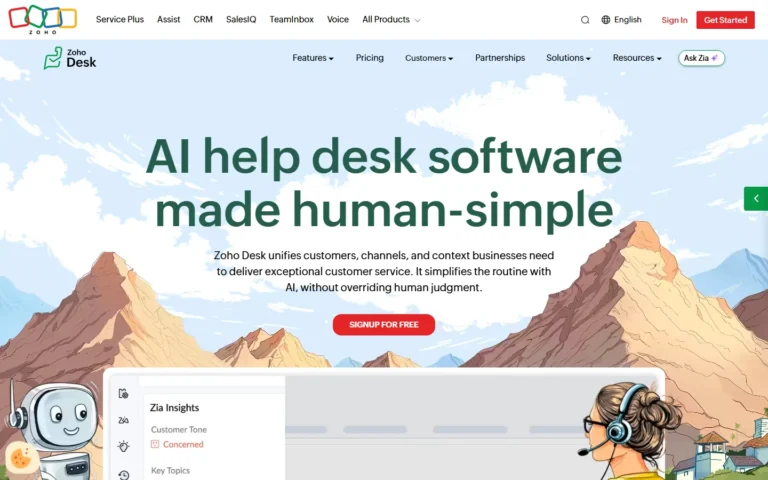
Zoho Desk
Free 3 agents
Ticketing free for 3 agents, with nonprofit pricing on paid tiers. Free forever plan: 3 agents with email ticketing and help center. Paid from Express up. Nonprofit and...