Pricing for nonprofits
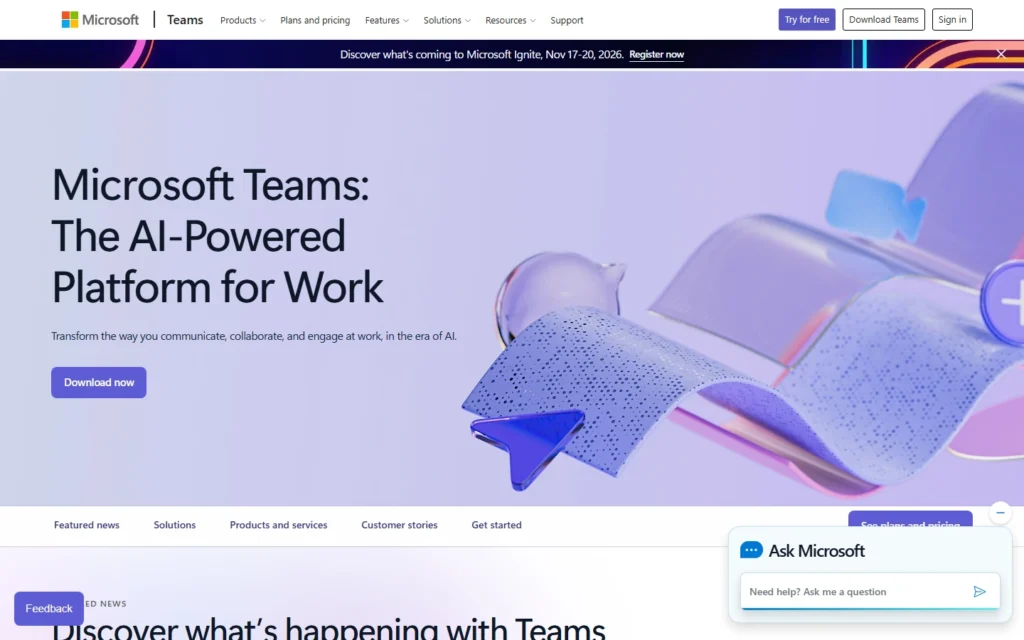
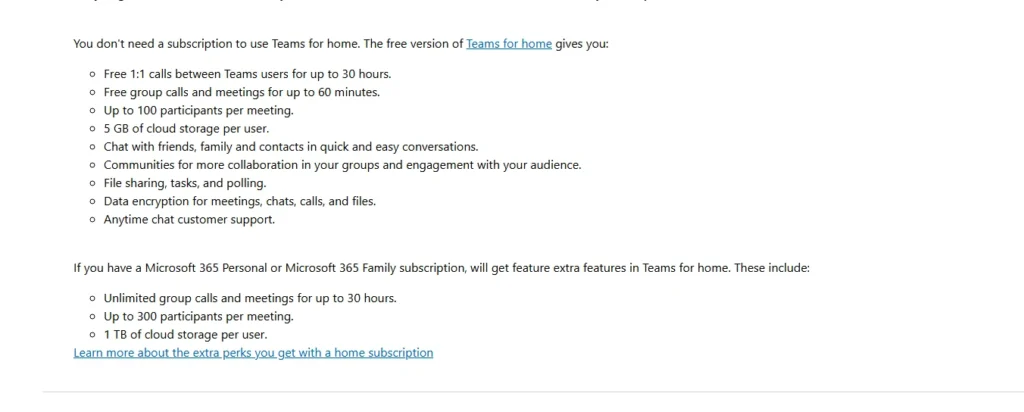
Free Teams: 100 participants, 60-minute group meetings, chat and file sharing. Microsoft 365 nonprofit grants add the full suite with Power Automate rights.
Review for nonprofits
Meetings and chat free for 100 participants, with nonprofit M365 grants extending it.
Free Teams: 100 participants, 60-minute group meetings, chat and file sharing. Microsoft 365 nonprofit grants add the full suite with Power Automate rights.
Typical nonprofit uses:
- Run staff standups and trainings
- Co-edit documents live in meetings
- Keep programs in free teams and channels
Pros:
- Generous free tier, no card
- Office apps integrated in calls
- Nonprofit grants unlock the suite
Cons:
- Free group calls capped at 60 minutes
- Meeting recording needs paid plans
- Heavier app than Meet or Jitsi
FAQ about Microsoft Teams for nonprofits
Is Microsoft Teams free?
Yes. Free Teams covers 100-participant calls with 60-minute groups, unlimited chat and file sharing.
What do nonprofit grants add?
Eligible nonprofits get Microsoft 365 editions free or discounted, adding full Teams, OneDrive and Power Automate use rights.
How do we qualify?
Through Microsoft nonprofit validation, often via TechSoup, confirming charitable status.
Alternatives to Microsoft Teams
Find more tools with free options and discounts for nonprofits in Videoconferences and online meetings
Google Meet
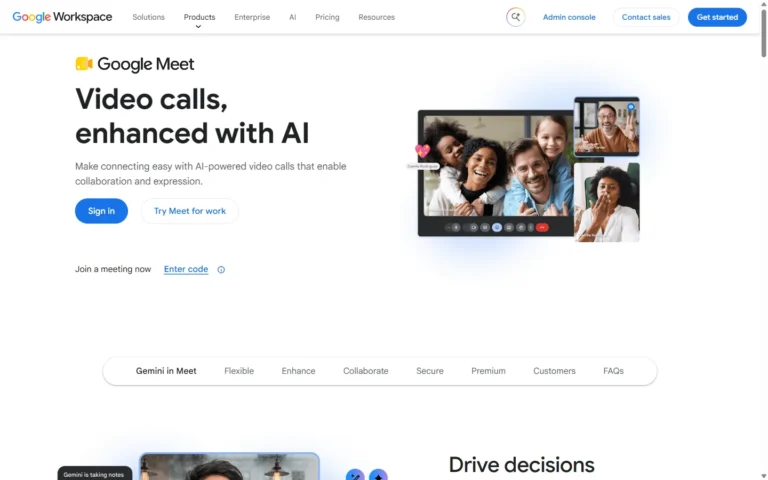
Free 100 participants
Video meetings free for 100 participants, with longer meetings via Workspace for Nonprofits. Free plan: 100 participants, 60-minute group calls, no cost with any Google account. Workspace for...
Jitsi Meet
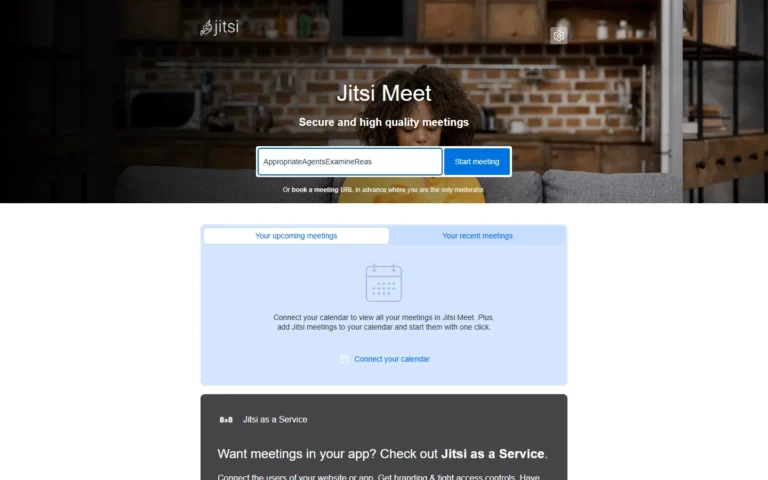
100% free
Video meetings free with no account, plus free self-hosting for full control. 100% free. No account, no downloads: open a room and share the link. Open source under...
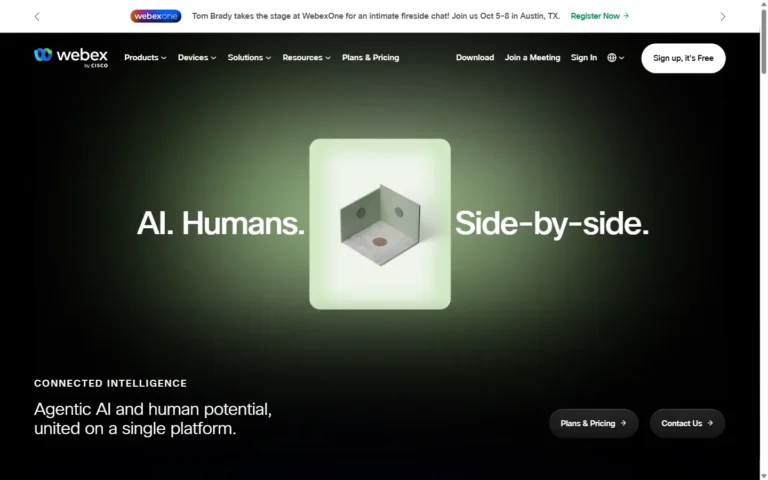
Webex
60% discount
Video meetings and calling with a 60% NGO discount. Webex (Cisco) gives validated NGOs 60% off Meetings, Calling, or both, with plans scaling to about one hundred users...
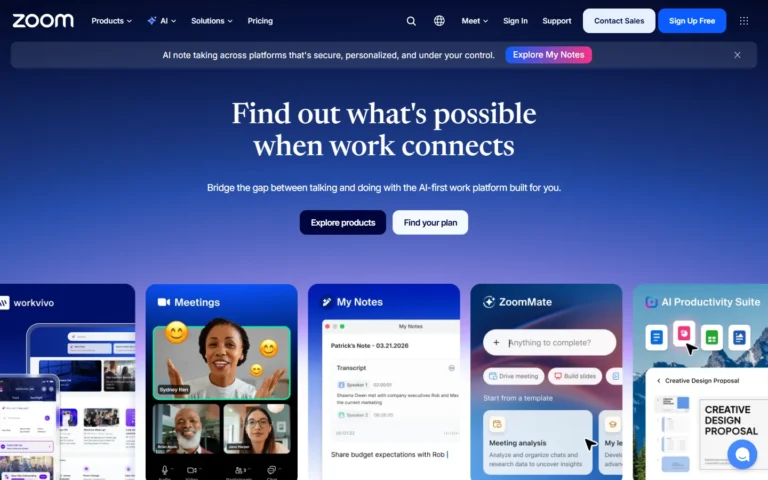
Zoom
50% discount
Video meetings and webinars with 50% off annual plans for eligible nonprofits. Zoom offers qualifying nonprofits 50% off annual Workplace Pro, Business, Large Meeting, and Webinar plans through...
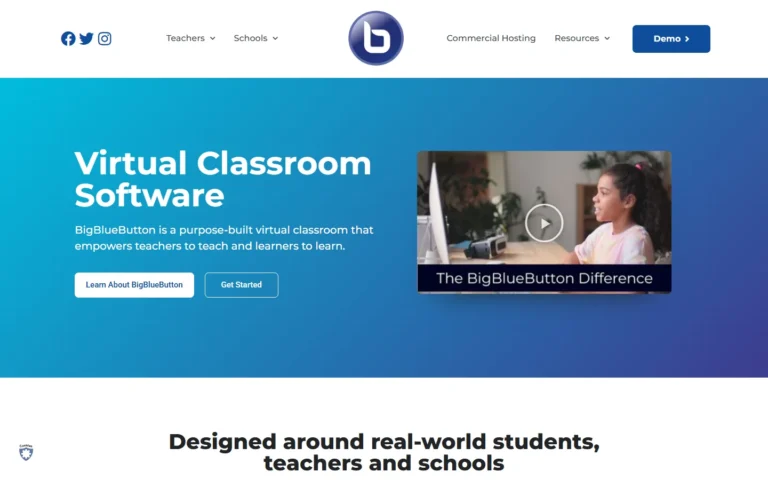
BigBlueButton
100% free
Virtual classroom free and open source under the LGPL. 100% free and open source (LGPLv3). Breakout rooms, whiteboard, polling and recording on your own Ubuntu server with Greenlight.
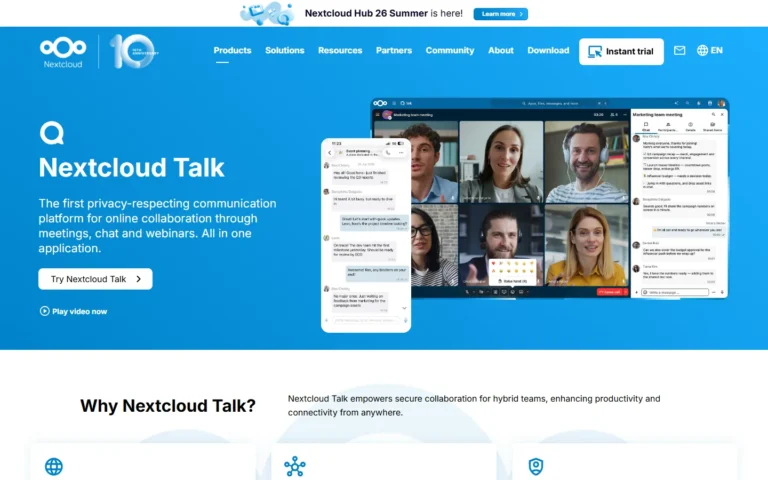
Nextcloud Talk
100% free
Self-hosted calls and chat free and open source inside Nextcloud. 100% free and open source (AGPL) as part of Nextcloud Hub: chat, video, screen sharing and breakout rooms...