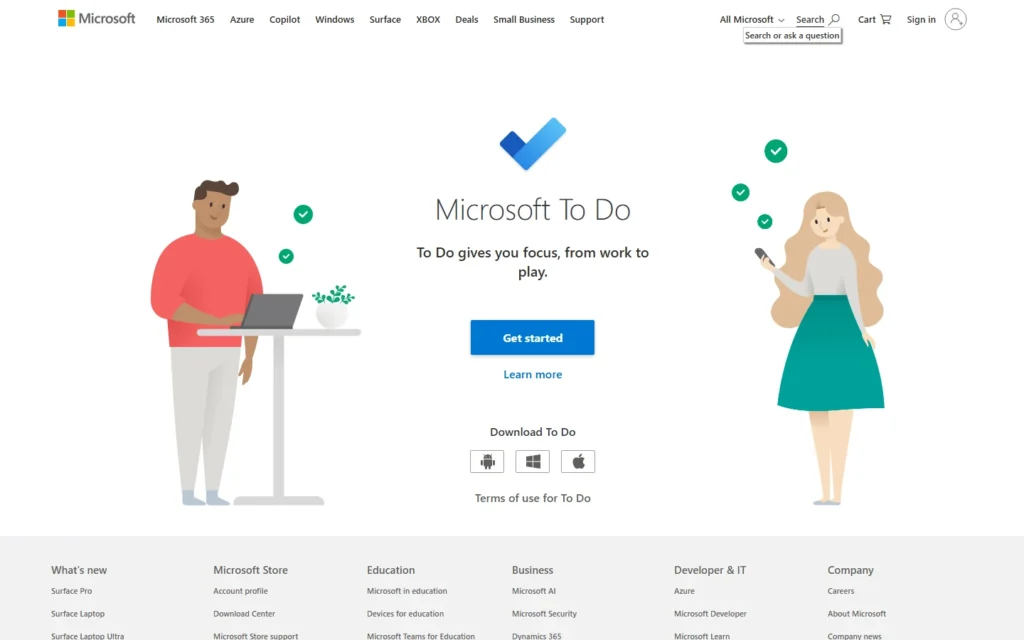
Pricing for nonprofits
Free with any Microsoft account or nonprofit tenant: lists, reminders, file attachments and shared lists across web, desktop and mobile.
Review for nonprofits
Task lists free with any Microsoft account, including nonprofit tenants.
Free with any Microsoft account or nonprofit tenant: lists, reminders, file attachments and shared lists across web, desktop and mobile.
Typical nonprofit uses:
- Share volunteer shift checklists
- Remind staff with due dates
- Plan events in shared lists
Pros:
- No cost with existing accounts
- Outlook and Teams integration
- Simple enough for everyone
Cons:
- No kanban or timelines
- Power users outgrow it fast
- Microsoft account required
FAQ about Microsoft To Do for nonprofits
Is Microsoft To Do free?
Yes. Free with any Microsoft account, including nonprofit tenants, on web, Windows, Mac, iOS and Android.
Can lists be shared?
Yes. Share lists with staff and volunteers with assignment and reminders.
How is it different from Planner?
To Do is personal lists. Planner and Project handle team boards and portfolios in paid plans.
Alternatives to Microsoft To Do
Find more tools with free options and discounts for nonprofits in Task management
GanttPro
50% discount
Gantt project planning with 50% off for nonprofits. GanttPro gives public-benefit, social-care, healthcare, NGO, and education organizations 50% off annual Core, Advanced, and Business plans, for nonprofit or...
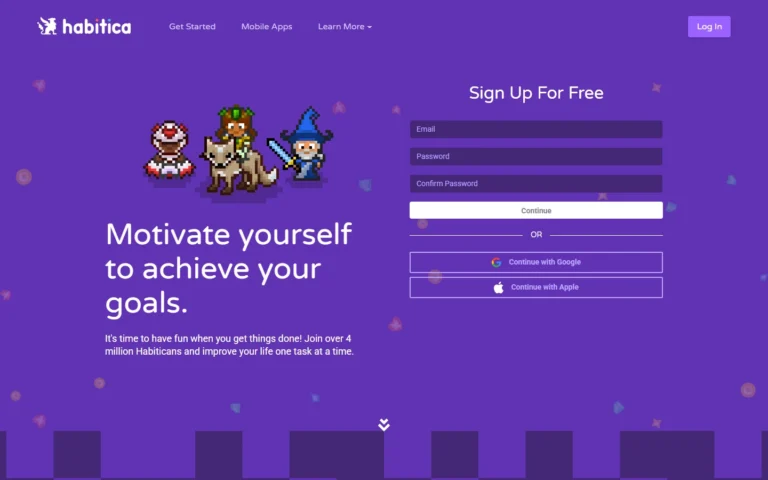
Habitica
100% free
Gamified habits and to-dos completely free, paid tier cosmetic only. 100% free forever: unlimited habits, dailies, to-dos, parties and guilds. The $5 monthly sub adds cosmetics only, no...
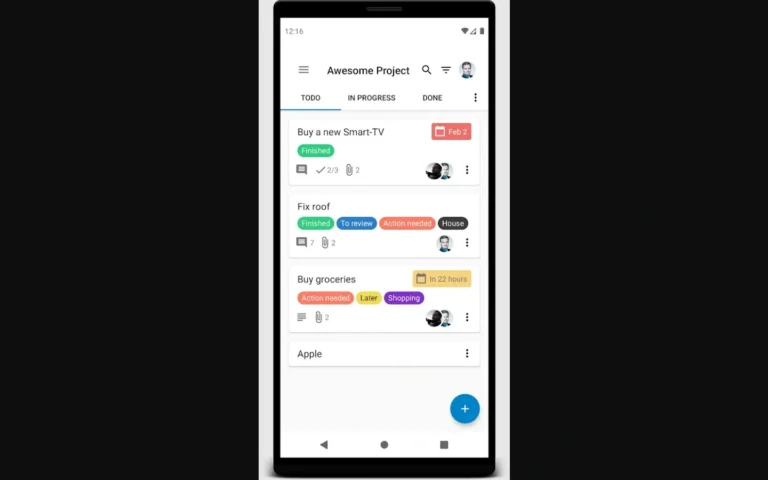
Nextcloud Deck
100% free
Kanban inside Nextcloud free and open source for Hub users. 100% free and open source (AGPL) app for Nextcloud Hub: boards, cards, labels, comments and due dates where...
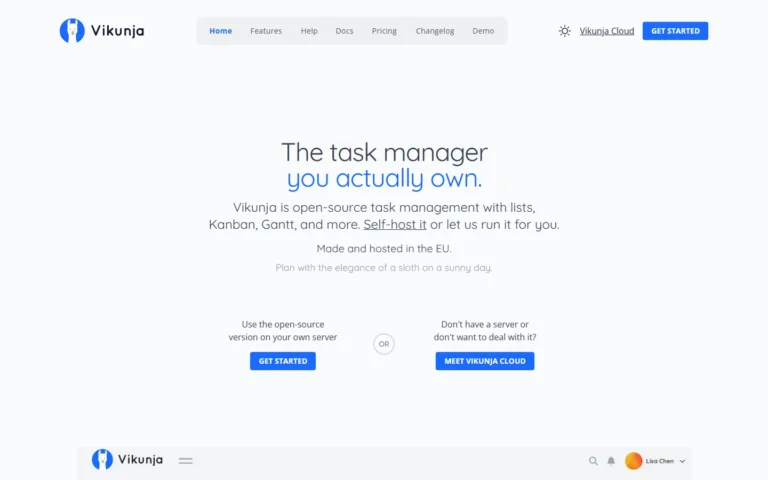
Vikunja
100% free
Team tasks and projects free and open source, hosted or self-hosted. 100% free and open source (GPL). Lists, kanban, Gantt, CalDAV and API on the hosted cloud or...