Pricing for nonprofits
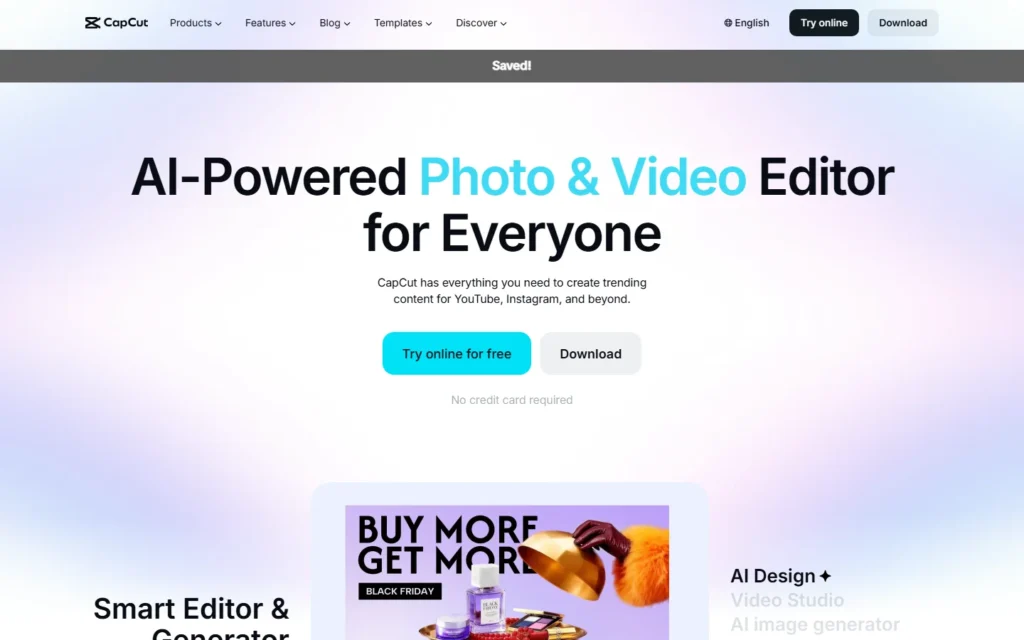
CapCut is free to try online with no credit card required. Its tool pages describe HD exports without watermark, with a paid Pro tier for 4K and premium effects.

Review for nonprofits
Free online and desktop video editor with AI captions, effects and HD exports, no credit card required.
CapCut is free to try online with no credit card required. Its tool pages describe HD exports without watermark, with a paid Pro tier for 4K and premium effects.
Typical nonprofit uses:
- Cut vertical clips for social channels
- Add auto captions to explainers and interviews
- Turn event footage into recaps with templates
- Produce voiceovers with text to speech
Pros:
- Free to start, no credit card required
- Browser, desktop and mobile apps
- Auto captions and background removal included
- Large template library for social formats
Cons:
- 4K exports and premium effects need the paid Pro tier
- Online editing requires a CapCut sign-in
- Less depth than desktop suites for color and VFX
- Free-tier limits are not enumerated on the homepage
FAQ about CapCut for nonprofits
Is CapCut free?
Yes. CapCut is free to try online with no credit card required. A paid Pro tier exists for 4K exports and premium effects.
Does CapCut watermark exports?
CapCut's tool pages describe exporting HD videos without watermark from the free online editor.
What needs the paid Pro tier?
4K video resolution exports and premium filters, effects and stock assets, per the pricing comparison.
Alternatives to CapCut
Find more tools with free options and discounts for nonprofits in Video creation and edition
Promo
Free annual basic plan for NPOs
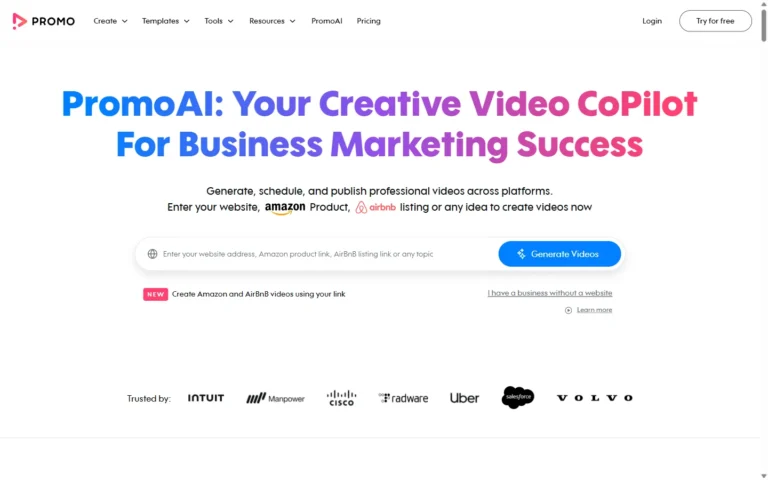
Social videos with a free annual basic plan for nonprofits. Promo gives charitable nonprofits a free annual basic plan: one premium clip plus unlimited downloads from the free...
VideoScribe
50% discount
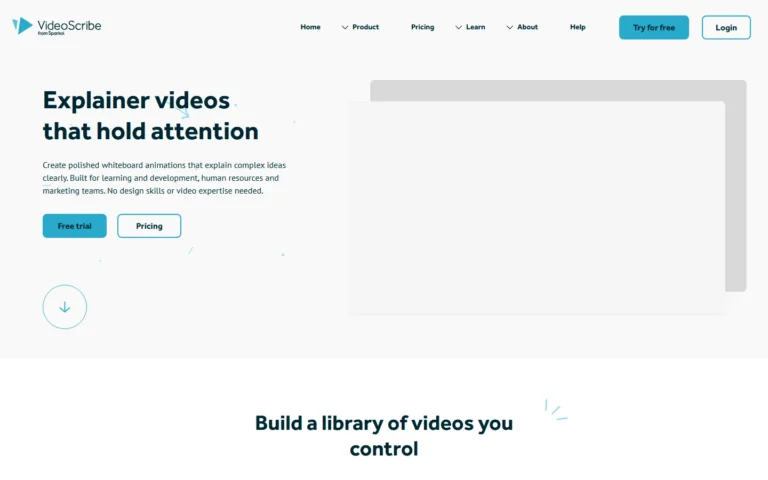
Whiteboard animations with 50% off for US/UK charities. VideoScribe gives US 501(c)(3) and UK charities 50% off yearly and monthly single-user subscriptions, up to 5 subscriptions per fiscal...
Animoto
Custom discount
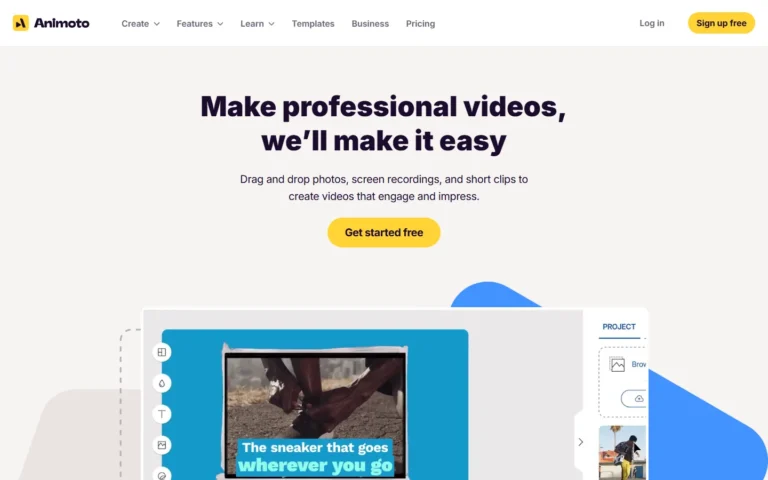
Marketing videos with a special nonprofit subscription rate. Animoto offers officially registered nonprofits where video drives outreach a special subscription rate. Paid tiers scale to 4K exports with...
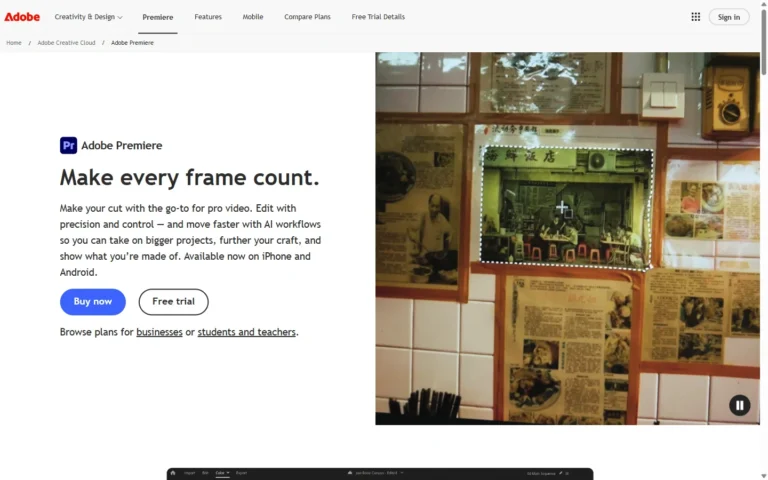
Adobe Premiere Pro
Min 49% off via TechSoup
Pro video editor at nonprofit rates via TechSoup: minimum 49 percent off Creative Cloud. Through TechSoup (a $5 admin fee), nonprofits access discounted Creative Cloud individual memberships at...
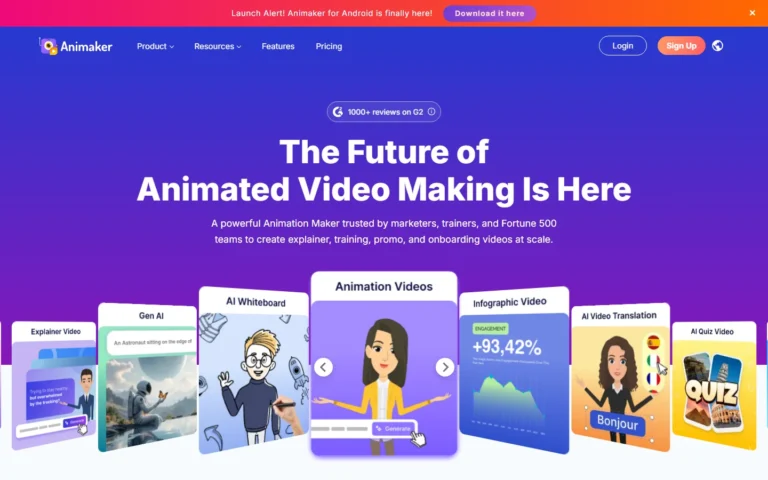
Animaker
Free (watermarked)
Animation maker with a forever free plan: watermarked videos, 3 HD downloads a month. Animaker offers a forever free plan for animation with watermarked exports and up to...
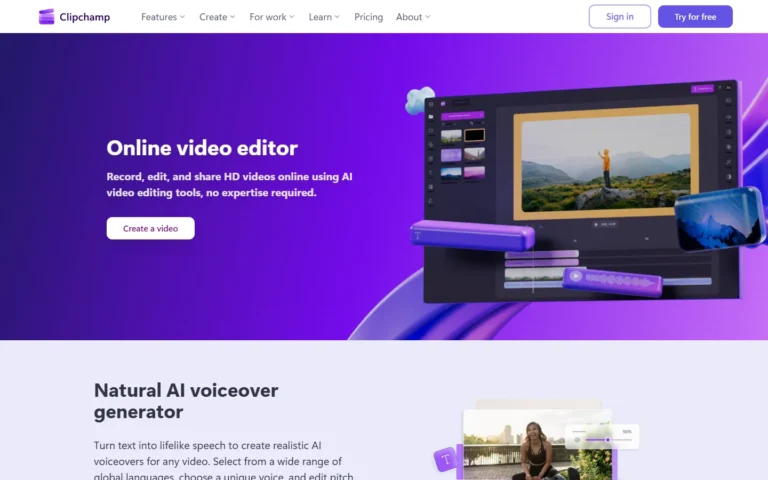
Clipchamp
Free (1080p exports)
Microsoft free online editor with unlimited watermark-free videos up to 1080p HD. Clipchamp is free to use with unlimited videos and watermark-free exports up to 1080p HD. 4K...