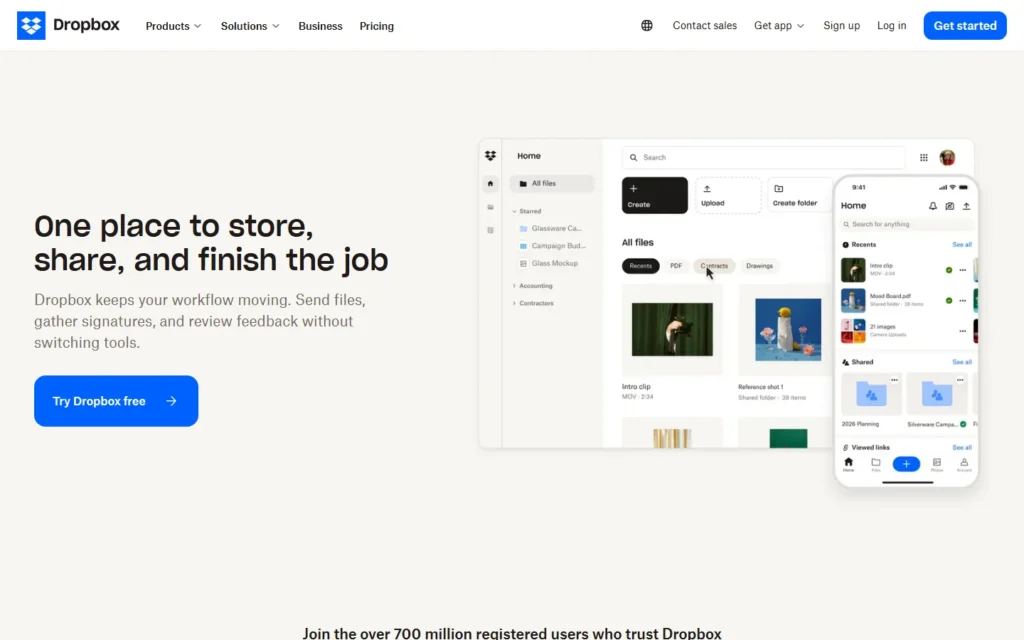
Pricing for nonprofits
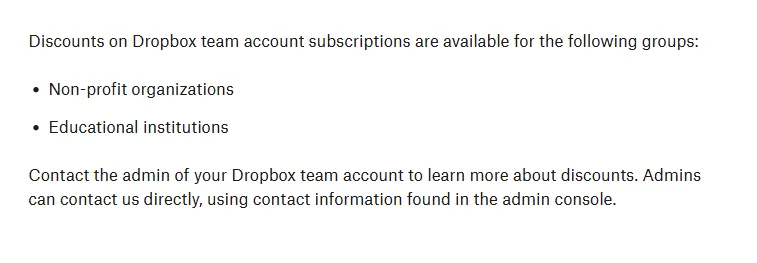
Dropbox offers discounts on team plans to nonprofits and schools. A team admin requests terms through the admin console.
Review for nonprofits
Dropbox is a cloud file storage and sharing service nonprofits use to keep grant proposals, donor records, board papers, and program files in one secure, centralized place.
The nonprofit route discounts team plans, but Dropbox publishes no percentage or eligibility detail: a team admin requests terms through the admin console. Organizations already on Google Workspace or Microsoft 365 may find this duplicates their included storage.
Typical nonprofit uses:
- Share program files and grant documents across office and remote staff.
- Distribute board papers and meeting materials securely.
- Send large files to partners with shared links.
Pros:
- Confirmed nonprofit discount path on team plans via the admin console.
- Simple, widely understood sharing model with file recovery and previews.
- Free Basic tier (2GB) for individual or trial use.
Cons:
- No published discount percentage or verification steps: terms require a support conversation.
- Easy to duplicate if the organization already pays for Workspace or Microsoft 365 storage.
FAQ about Dropbox for nonprofits
What is the Dropbox nonprofit discount?
A discount on team plans for nonprofits and educational institutions. The percentage is not published: a team admin must request terms through the admin console.
Which plans are covered?
Standard, Business, Advanced, Business Plus, and Enterprise team accounts.
Who qualifies?
Nonprofits and educational institutions, per the Dropbox help page. No verification steps are published.
Is there a free option?
Yes: Dropbox Basic offers 2GB free for one user. The nonprofit deal is a separate paid team discount.
Alternatives to Dropbox
Find more tools with free options and discounts for nonprofits in Notes and file management
Adobe Acrobat
$15/year for nonprofits
PDF editing and e-signatures with Acrobat Pro at $15/year. Adobe gives eligible nonprofits Acrobat Pro for US$15 per year with annual revalidation, up to ten Acrobat Pro seats...
Box
Free (10 licenses) + 50%+ off
Secure cloud storage with 10 free licenses and 50%+ off. Box gives eligible nonprofits ten Starter licenses included plus minimum 50% off Box plans, 75% off Relay, Shield,...
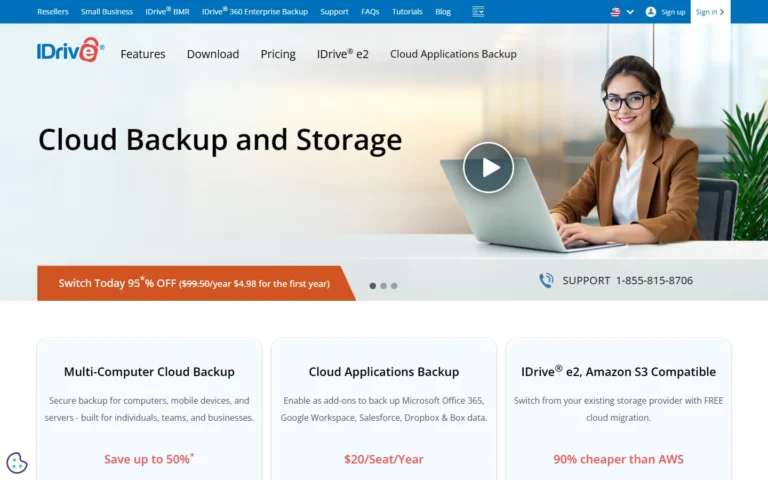
IDrive
50% off plans (from 5TB at $39.75)
Cloud backup with 50% off for nonprofits. IDrive gives nonprofits with an IRS Determination Letter or supporting documents 50% off cloud backup plans starting at 5TB, covering PCs,...
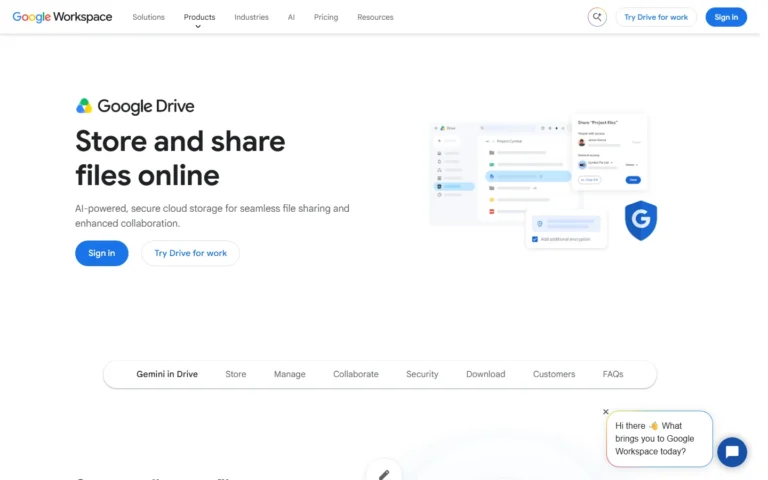
Google Drive
100TB nonprofit pool
Cloud storage free at 15GB, with 100TB pooled for nonprofits. Free accounts get 15GB. Google Workspace for Nonprofits adds 100TB pooled across up to 2,000 users at no...
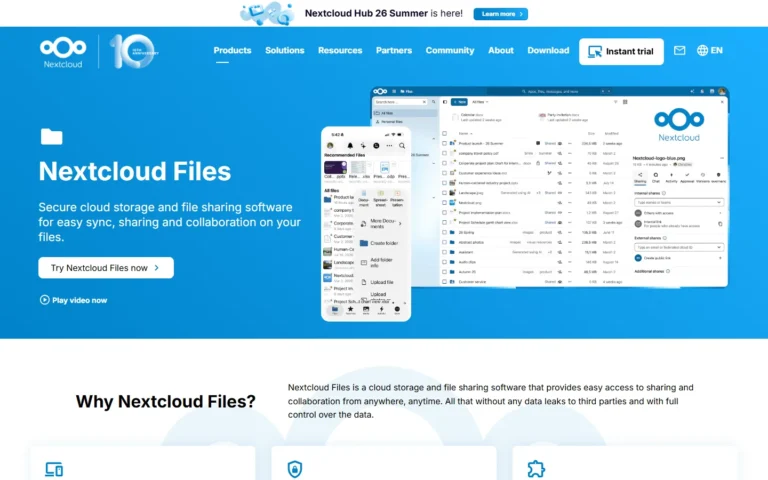
Nextcloud Files
100% free
Self-hosted file sync and share free and open source under AGPL. 100% free and open source (AGPL) as part of Nextcloud Hub: sync, share, Collabora editing and versioning...
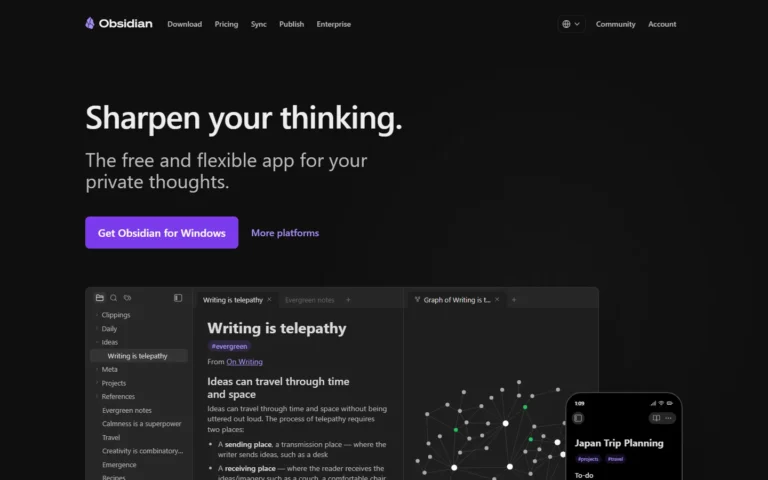
Obsidian
Free + 40% NP discount
Note-taking app free without limits, with 40% off Sync and Publish for nonprofits. The app is free without limits and no sign-up. Nonprofit employees get 40% off Sync...