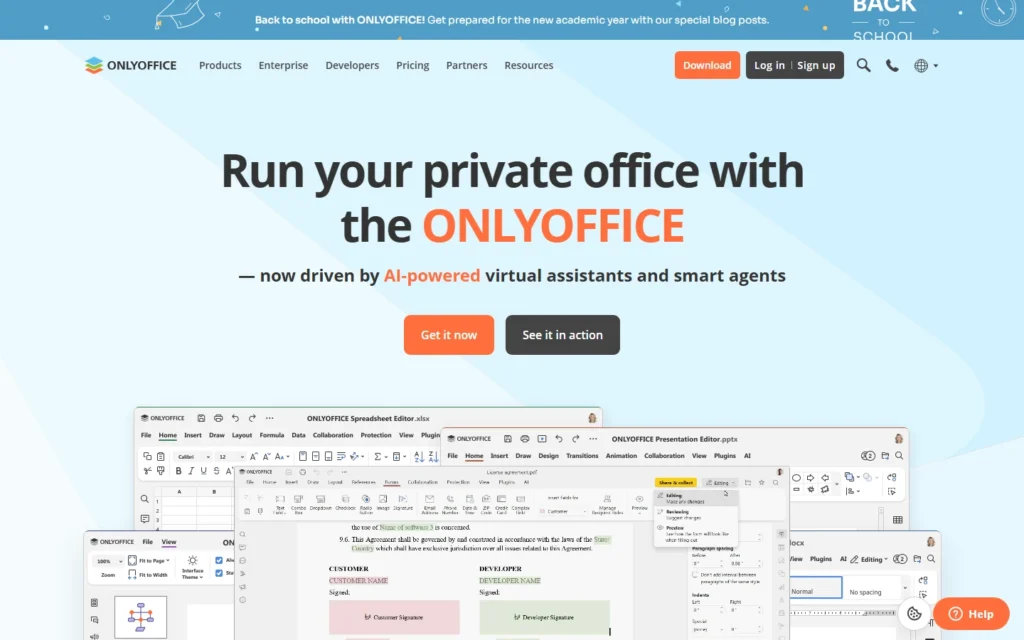
Pricing for nonprofits
Docs Community Edition free under AGPL for up to 20 connections. Free desktop and mobile apps, plus a free individual cloud tier.
Review for nonprofits
Office editors with a free AGPL Community edition and free home apps.
Docs Community Edition free under AGPL for up to 20 connections. Free desktop and mobile apps, plus a free individual cloud tier.
Typical nonprofit uses:
- Co-edit proposals in a browser
- Self-host editors inside Nextcloud
- Give volunteers free desktop apps
Pros:
- AGPL code, strong Office fidelity
- Self-host or use free cloud
- Forms, PDF and e-book tools
Cons:
- 20-connection Community cap
- Enterprise extras are paid
- Heavier than LibreOffice desktop
FAQ about ONLYOFFICE for nonprofits
Is ONLYOFFICE free?
Yes. The Community Edition is free under AGPL, and desktop, mobile and individual cloud uses are free.
What are the limits?
Community allows up to 20 simultaneous connections. Enterprise adds support, clustering and extras.
Does it integrate?
Yes. Connectors exist for Nextcloud, ownCloud, Seafile, WordPress and more.
Alternatives to ONLYOFFICE
Find more tools with free options and discounts for nonprofits in Productivity and office tools
Google Workspace
100% free
Custom-domain email and collaboration free for nonprofits, with steep paid upgrades. Google Workspace for Nonprofits costs $0 per user with custom Gmail and 100TB pooled storage. Paid upgrades...
Microsoft 365
Free (300 users)
Office suite with a free 300-seat nonprofit plan and deep paid discounts. Eligible nonprofits get Microsoft 365 Business Basic free for up to 300 users. Standard ($3.50) and...
LibreOffice
100% free
Free office suite, open source, with Writer, Calc and Impress. 100% free and open source under the MPL. Full Writer, Calc, Impress and Draw with no accounts, ads...
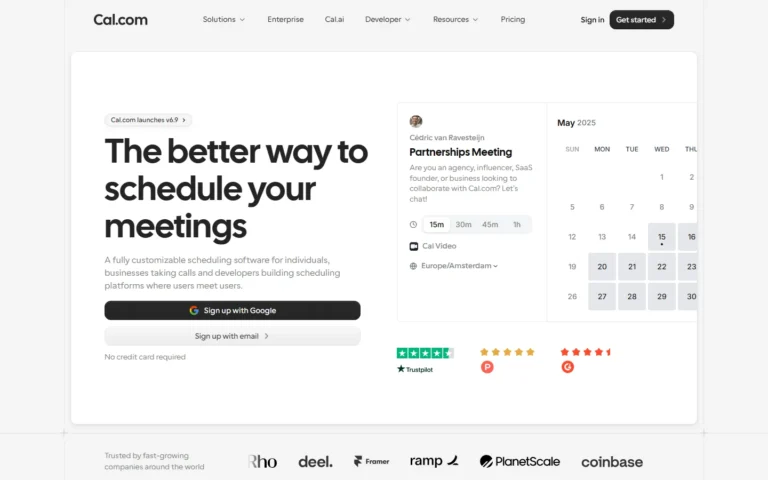
Cal.com
Free forever
Scheduling free forever for individuals with unlimited event types. Free plan for individuals: unlimited event types, calendars, bookings, workflows, payments and Cal Video. Teams from $16 per user...
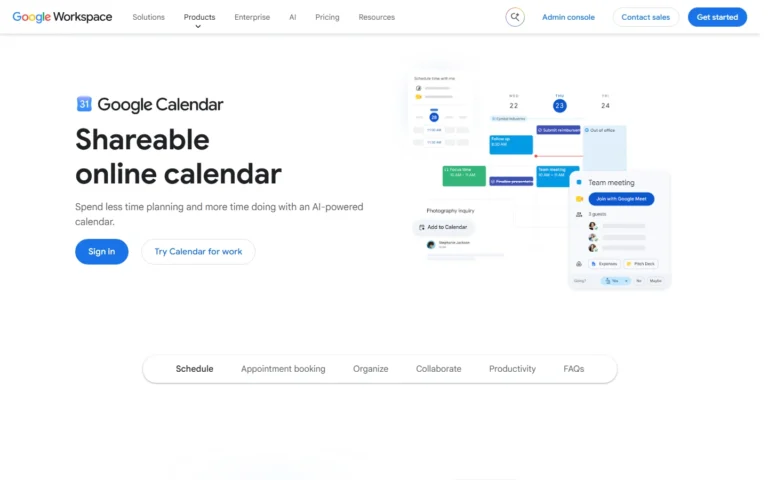
Google Calendar + Tasks
Free with Google account
Scheduling and task lists free with any Google account. Free with any Google account: shared calendars, Tasks lists, appointment schedules and reminders. Workspace editions add resource booking and...
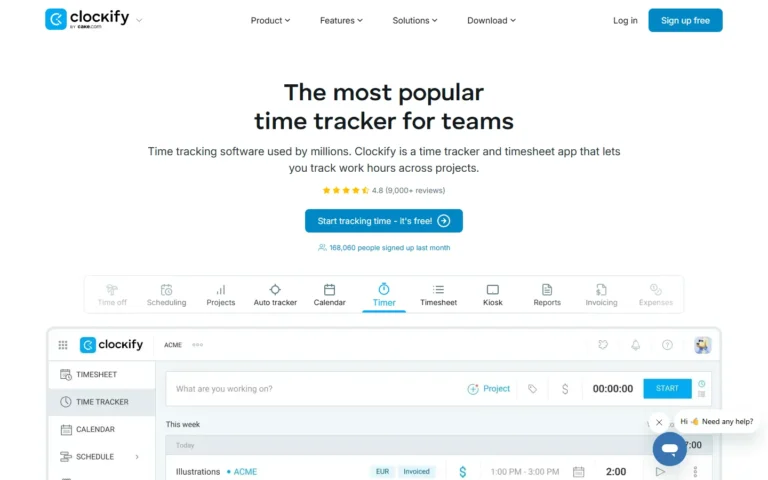
Clockify
Free core tracking
Time tracking with a free tier covering unlimited core tracking. Free tier covers unlimited time tracking, timers, timesheets, projects and reports. Paid tiers from $3.99 per seat add...