Pricing for nonprofits
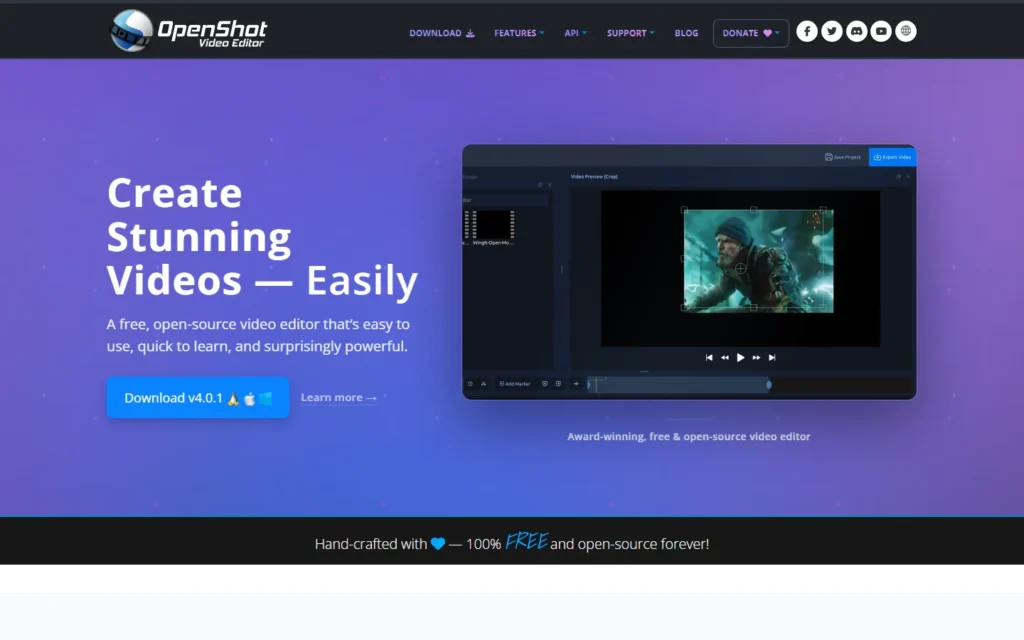
OpenShot is free to download and use with no subscriptions, watermarks or project limits, under the GNU GPL v3. The project calls itself 100 percent free and open-source forever.
Review for nonprofits
Free, open-source editor with no subscriptions, watermarks or project limits.
OpenShot is free to download and use with no subscriptions, watermarks or project limits, under the GNU GPL v3. The project calls itself 100 percent free and open-source forever.
Typical nonprofit uses:
- Trim appeal videos on unlimited tracks
- Animate titles and logos with keyframes
- Record screen, webcam and audio in version 4
- Grade clips with color wheels and scopes
Pros:
- No subscriptions, watermarks or project limits
- Keyframe animation, masks and 3D titles
- Unlimited tracks with snapping and waveforms
- Linux, Mac and Windows builds
Cons:
- Lighter than pro suites for color and audio
- Large projects can feel slower than Resolve or Premiere
- Support runs through forums and guides
FAQ about OpenShot for nonprofits
How much does OpenShot cost?
Nothing. It is free to download and use with no subscriptions, watermarks or project limits, licensed under the GNU GPL v3.
Which systems does it run on?
Linux, Mac and Windows.
What can it do?
Unlimited-track timeline editing, keyframe animation, video masks, effects, audio visualization and, since version 4, screen and webcam recording.
Alternatives to OpenShot
Find more tools with free options and discounts for nonprofits in Video creation and edition
Promo
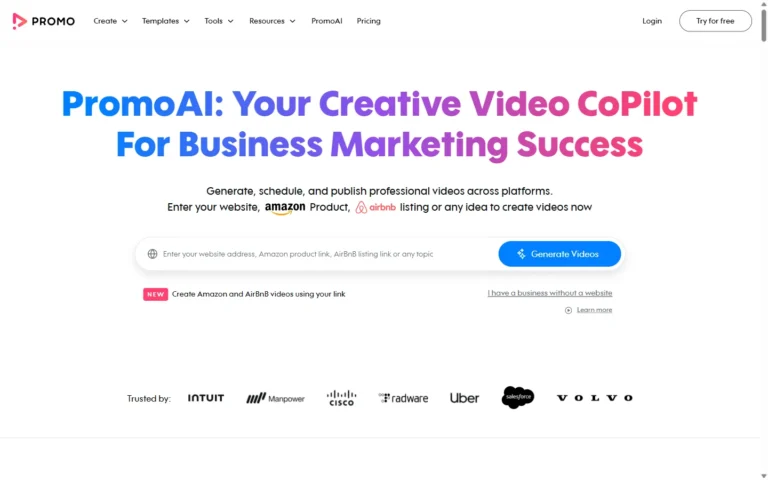
Free annual basic plan for NPOs
Social videos with a free annual basic plan for nonprofits. Promo gives charitable nonprofits a free annual basic plan: one premium clip plus unlimited downloads from the free...
VideoScribe
50% discount
Whiteboard animations with 50% off for US/UK charities. VideoScribe gives US 501(c)(3) and UK charities 50% off yearly and monthly single-user subscriptions, up to 5 subscriptions per fiscal...
Animoto
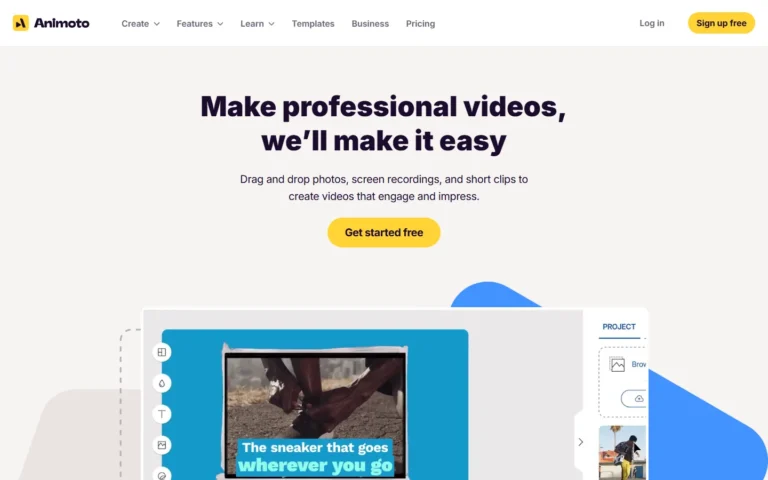
Custom discount
Marketing videos with a special nonprofit subscription rate. Animoto offers officially registered nonprofits where video drives outreach a special subscription rate. Paid tiers scale to 4K exports with...
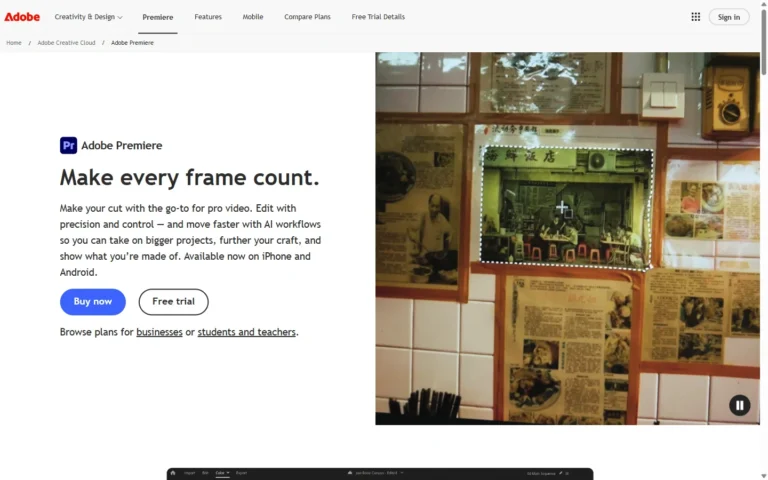
Adobe Premiere Pro
Min 49% off via TechSoup
Pro video editor at nonprofit rates via TechSoup: minimum 49 percent off Creative Cloud. Through TechSoup (a $5 admin fee), nonprofits access discounted Creative Cloud individual memberships at...
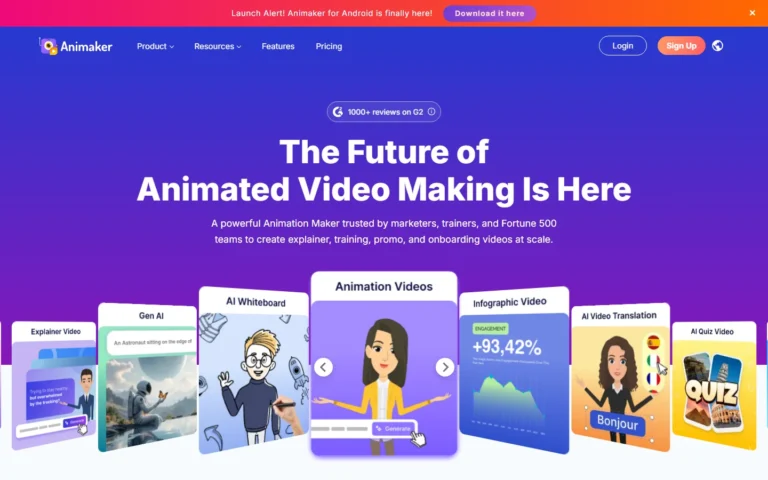
Animaker
Free (watermarked)
Animation maker with a forever free plan: watermarked videos, 3 HD downloads a month. Animaker offers a forever free plan for animation with watermarked exports and up to...
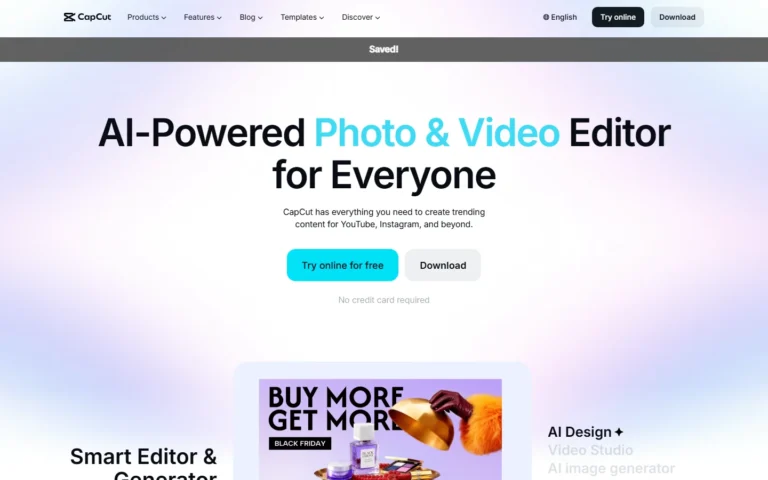
CapCut
Free plan
Free online and desktop video editor with AI captions, effects and HD exports, no credit card required. CapCut is free to try online with no credit card required....